Output
Example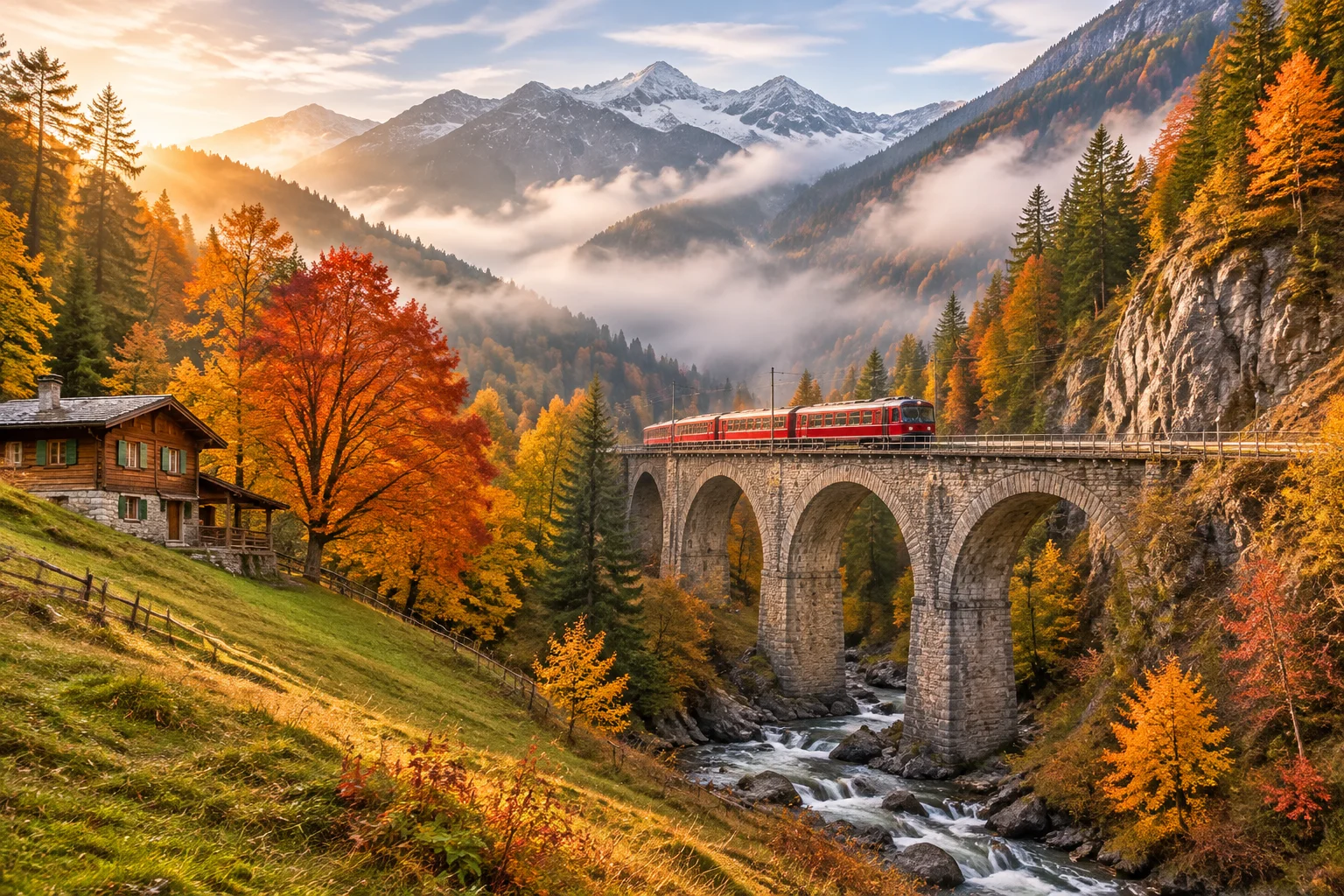
1536×1024
A tiny alpine railway viaduct in an autumn valley, distant fog and warm sidelight, rich but natural colors, landscape photography.
Estimated cost ≈ $0.0150
Request body
{
  "model": "openai/gpt-image-2.6-flare-economy",
  "format": "unified",
  "input": {
    "prompt": "A tiny alpine railway viaduct in an autumn valley, distant fog and warm sidelight, rich but natural colors, landscape photography.",
    "resolution": "1K",
    "aspect_ratio": "3:2"
  }
}
Call it from your code
Submit a task to get its ID. Poll for the result, or pass a webhook URL to receive the finished task.
curl 'https://api.kerox.ai/v1/tasks' \
  -H "Authorization: Bearer $KEROX_API_KEY" \
  -H 'Content-Type: application/json' \
  --data-binary '{
  "model": "openai/gpt-image-2.6-flare-economy",
  "input": {
    "prompt": "editorial portrait of a ceramicist in morning sunlight, 35mm film",
    "resolution": "1K"
  }
}'
Example response
{
  "id": "task_01JD8X9B4Q2M7T8N3K5P6R1S0V",
  "object": "task",
  "model": "openai/gpt-image-2.6-flare-economy",
  "status": "processing"
}
What you can send
Every parameter uses the unified names, the same across models.
| Parameter | Type | Required | Default | Values | What it does |
|---|---|---|---|---|---|
prompt | string | Required | — | — | Prompt |
images | string | string[] | — | — | — | Reference images |
aspect_ratio | string | — | "1:1" | 1:1, 3:2, 2:3, 4:3, 3:4, 5:4, 4:5, 16:9, 9:16, 21:9, auto | Aspect ratio |
resolution | string | — | "1K" | 1K, 2K, 4K | Resolution |
quality | string | — | — | auto, low, medium, high, xhigh, max | Render quality |
n | integer | — | 1 | 1 | Number of outputs |
Not supported yet: background, complexity, seed, mask, moderation, output_compression, size, response_format, stream, output_format
Pricing
1 image · 1K
$0.0150
1 image · 2K
$0.0450
1 image · 4K
$0.0600
Common usage
| Output | Kerox |
|---|---|
| 1 image · 1K | $0.0150 |
| 1 image · 2K | $0.0450 |
| 1 image · 4K | $0.0600 |
| $10 gets you | 666 1K images |
| Tier | Kerox |
|---|---|
| 1K | $0.0150 |
| 2K | $0.0450 |
| 4K | $0.0600 |
Use POST /v1/estimate for a quote before submitting a task.
Made with GPT Image 2.6 Flare Economy
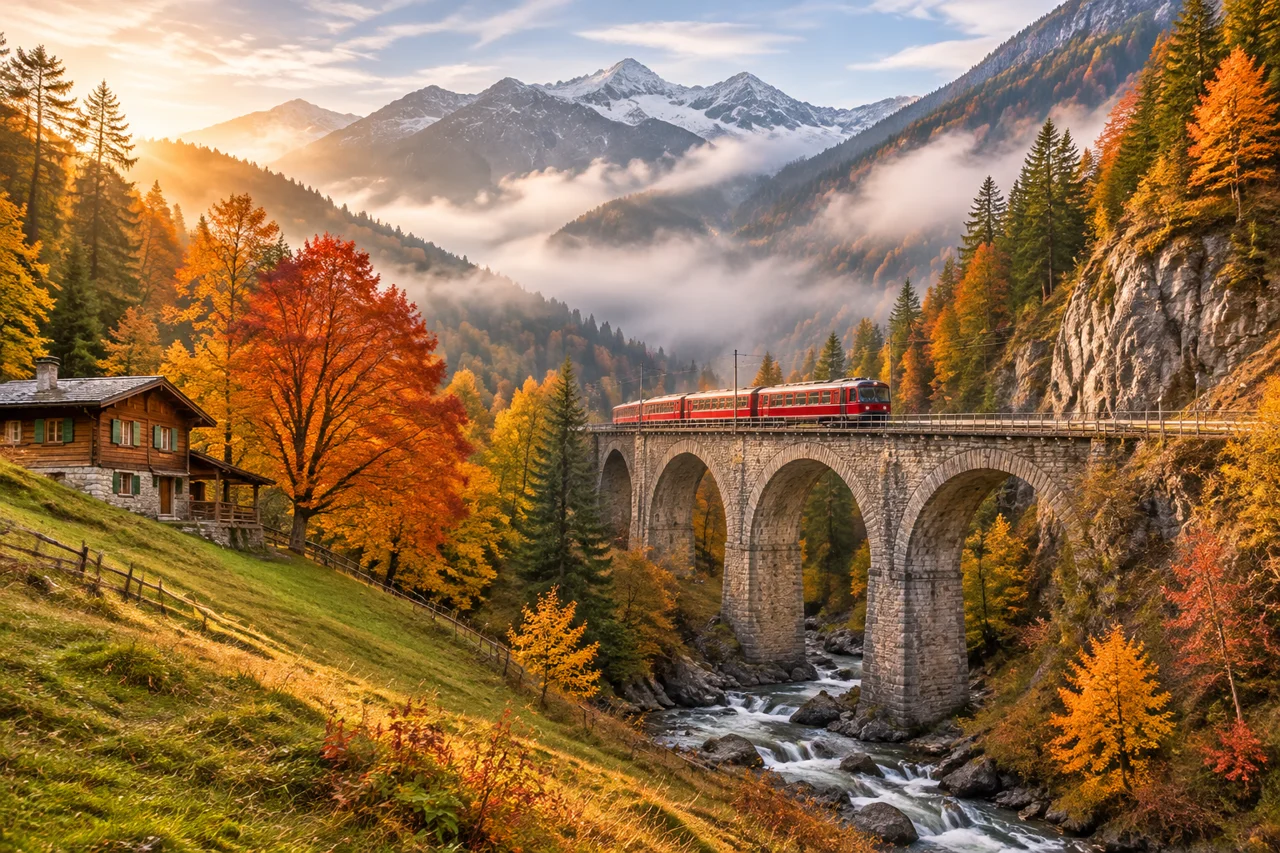
A tiny alpine railway viaduct in an autumn valley, distant fog and warm sidelight, rich but natural colors, landscape photography.

Photorealistic still life of a vintage brass microscope, on a dark wooden desk, intricately engraved calibration marks, tiny cross-hatched knurling, scattered grains of blue salt, fine linen backdrop, moody editorial light. Sharp central subject, realistic optical detail.
About GPT Image 2.6 Flare Economy
GPT Image 2.6 is an image generation and editing model from OpenAI, released on November 4, 2026. It takes text and images as input and returns images. It ships as two models: Sunburst, which OpenAI describes as built for detailed visual work, and Flare, built for fast iteration. OpenAI recommends the 2.6 models for new integrations.
What GPT Image 2.6 offers, according to OpenAI
- Two versions. Sunburst is meant for detailed compositions and image editing. Flare is meant for interactive generation and editing, where speed matters.
- Adjustable complexity. New in 2.6, this setting controls how much the model plans before it renders. Higher levels help with dense text, complex layouts and relationships between objects.
- More quality levels. Quality runs from low to max. Earlier GPT Image models stopped at high.
- Reference images. One or more images can guide a new image, so the same model generates and edits.
- Output up to 4K. Sizes go up to about 8.3 million pixels.
OpenAI also notes limits that apply to its image models: precise text placement can still go wrong, recurring characters or brand elements may not stay consistent between generations, and layout-sensitive compositions are hard to control exactly.
On Kerox, GPT Image 2.6 runs at 1K, 2K and 4K with up to 16 reference images. The per-image models return one PNG per request. The usage-based models add up to 4 images per request, the complexity setting, WebP and JPEG output, and transparent backgrounds.
FAQ
How much does GPT Image 2.6 Flare Economy cost?
GPT Image 2.6 Flare Economy on Kerox starts from $0.0150 / image. You pay per generation, and failed generations are not charged. The price table on this page lists every option.
Does GPT Image 2.6 Flare Economy have an API?
Yes. Submit a task to the Kerox API with the model ID openai/gpt-image-2.6-flare-economy, then poll the task or receive a webhook when it finishes. The API docs for GPT Image 2.6 Flare Economy list every parameter with code examples.
Can I use GPT Image 2.6 Flare Economy online without writing code?
Yes. Choose your settings in the generation panel on this page to see the price. Sign in to generate. Try it
Do I need a subscription to use GPT Image 2.6 Flare Economy?
No. There are no plans and no monthly fees. Top up from $5 and pay only for what you generate.
Can I use GPT Image 2.6 for free?
Not on Kerox. There is no free plan or free trial at the moment. Top up from $5 and pay only for what you generate.
What is the difference between Flare and Sunburst?
They are two versions of the same model family. OpenAI describes Sunburst as the one for detailed visual work, such as detailed compositions and image editing, and Flare as the one for fast iteration in interactive workflows. Both take the same inputs and settings. A common pattern is to explore ideas on Flare and produce the final image on Sunburst.
Per image or usage-based: which billing should I pick?
Per image is the simpler one: a fixed price by resolution, whatever the quality or number of reference images, with one PNG per request. During high demand a per-image task can fail, and a failed task is refunded in full. Usage-based billing follows the tokens a request uses, so the cost moves with quality, size and reference images. Pick it when you need up to 4 images per request, transparent backgrounds, WebP or JPEG output, or the complexity setting. The pricing table on this page covers only the model you have selected. The comparison table above shows the starting price of all four; switch to a model to see its full rates.
Do I need an OpenAI API key to use GPT Image 2.6?
No. On Kerox you use a Kerox API key, created in the console, and the same key works for every model on the platform. In Studio you need no key at all.
What sizes does GPT Image 2.6 support?
Three resolution tiers on Kerox: 1K, 2K and 4K. Aspect ratios are 1:1, 3:2, 2:3, 4:3, 3:4, 16:9, 9:16 and 21:9, or automatic. The per-image models also take 5:4 and 4:5.
Can GPT Image 2.6 edit an existing image?
Yes. Add the image as a reference and describe the change in the prompt. A request takes up to 16 reference images, so you can also combine several sources into one result.
How to use GPT Image 2.6 Flare Economy
Prefer code? The same model runs through the Kerox API. This page's default is the model ID openai/gpt-image-2.6-flare-economy, and each of the four has its own ID. See the GPT Image 2.6 API docs.
What you can make with GPT Image 2.6 Flare Economy
Text to image. Describe a scene and get an image at 1K, 2K or 4K.
Product and still-life shots. Name the subject, surface, light and lens in the prompt for a studio look.
Edits from reference images. Pass up to 16 images and say what to keep, change or combine.
Posters and layouts with text. On the usage-based models, raise complexity for dense text and structured layouts.
Assets with a transparent background. The usage-based models can return a PNG or WebP with an alpha channel.
GPT Image 2.6 Flare Economy vs other models on Kerox
The first four are the GPT Image 2.6 models: two versions, each with two ways to pay. All of these run on the same balance and the same API. Starting prices are in the table.
| Model | When to pick it | Starting price |
|---|---|---|
| GPT Image 2.6 Flare Economy | Flare at a fixed price per image, set by resolution. Pick it for drafts and fast iteration when you want to know the cost in advance. | $0.0150 / Per image |
| GPT Image 2.6 Sunburst Economy | Sunburst at a fixed price per image, set by resolution. Pick it for detailed compositions and edits at a known cost. | $0.0150 / Per image |
| GPT Image 2.6 Flare | Flare billed by usage: the cost follows quality, size and the reference images you send. Pick it for several images per request, transparent backgrounds, or WebP and JPEG output. | Est. from $0.0210/image |
| GPT Image 2.6 Sunburst | Sunburst billed by usage, with the same extra settings as usage-based Flare. Pick it for detailed final images when you want to set quality and complexity yourself. | Est. from $0.0210/image |
| Seedream 5.5 | ByteDance's image model, up to 2K, with up to 10 reference images. Pick it for many rounds of editing on the same image. | $0.0160 / Per image |
| Kling Image 4.0 | Kuaishou's image model at 2K, 4K or 8K. Pick it when you need output larger than 4K. | $0.0567 / Per image |